Stream previews
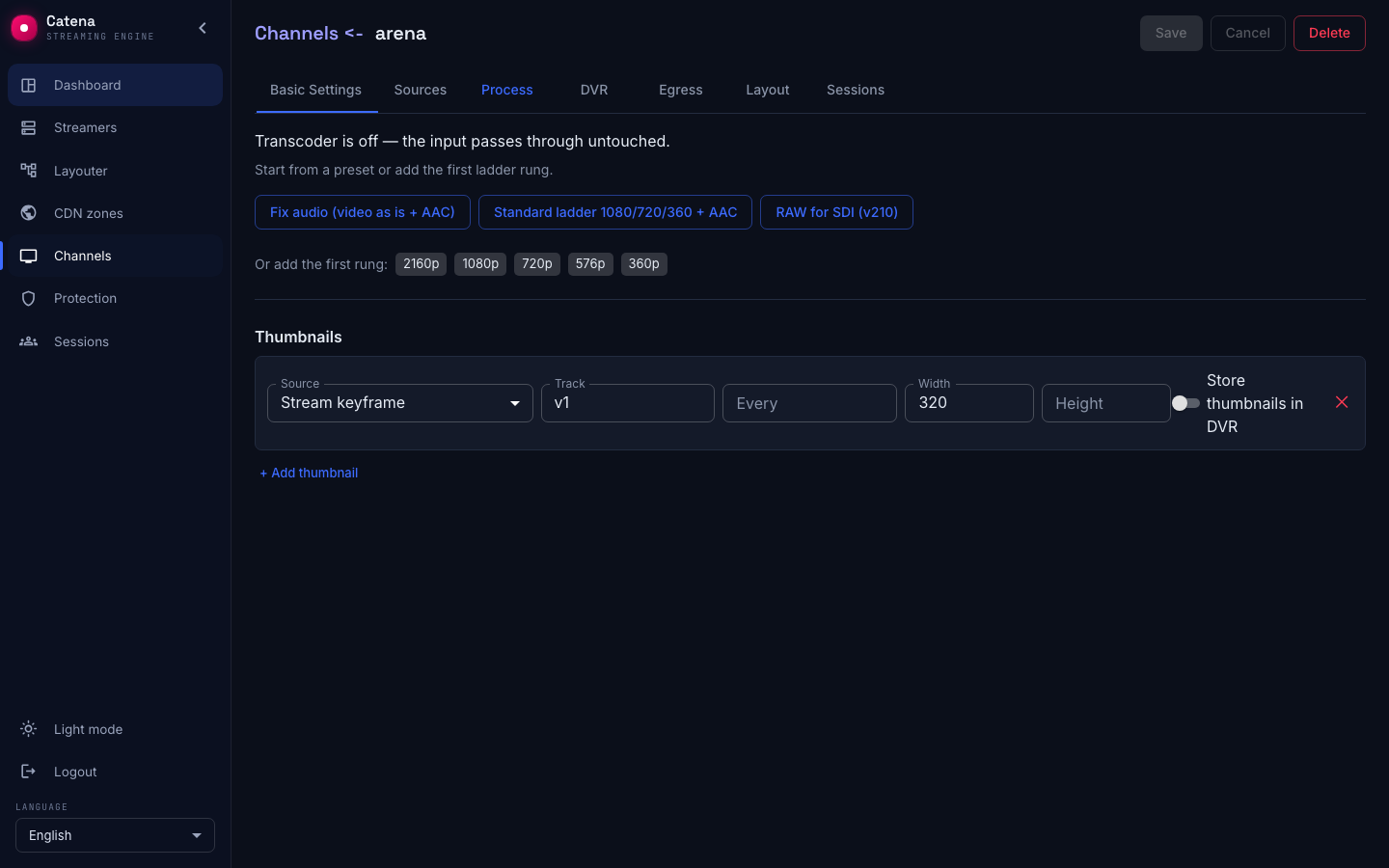
The stream list in an operator's app, the EPG and a monitoring wall all need pictures: what is on air right now. That is what stream previews are for — the streamer regularly renders a JPEG frame and serves it at a stable address. Configured in the Thumbnails block on the Process tab.
Configure a preview
Press + Add thumbnail and pick the Source:
- Stream keyframe — the streamer renders JPEGs from the stream's keyframes. Fields: Track (the video track, usually
v1), Width and Height (one is enough — the other follows the proportions; the default width is 320), Every — how often, in GOPs (gop— every one,2gop— every other). - HTTP fetch — the streamer does not render at all: it periodically fetches a ready-made picture from the HTTP fetch URL — handy with IP cameras that serve a snapshot.
The Store thumbnails in DVR switch additionally writes the thumbnails into the archive — along with the stream's recording you get its visual filmstrip.
A stream can carry up to ten preview tracks — a small one for the list and a bigger one for the stream card, say.
Fetch the picture
The stream's fresh frame is served at:
/streaming/live-preview-jpeg/<channel-name>
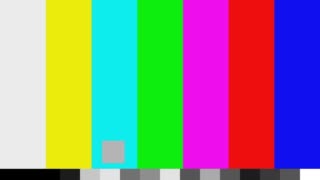
The answer is a plain JPEG; a client interface simply re-requests it at whatever cadence it needs:
While the stream has no previews configured, the address answers 404 — thumbnails do not render by themselves, they are work you have to turn on.
If there is no picture
- 404. Previews are not configured, the stream is off air, or the first keyframe has not arrived yet — with
Every: 2gopand a long GOP the first frame can take tens of seconds. - There is a picture but it froze. The preview source is an HTTP fetch and the camera serves a cached snapshot; check the camera's URL directly.
- The track is not found. The Track field must name an existing video track of the stream — look its id up in the source health card (usually
v1).