VOD catalog
The VOD section is a cluster asset catalog: files that sit on the streamers and play on request. Unlike a stream, an asset has no source and no placement by the layouter; it simply sits where it was uploaded and is served from there.
There are four tabs: Catalog, Uploads, Storages and Upload tokens. This page is about the catalog; uploading and storage are on VOD uploads.
For the catalog to have somewhere to live, the streamer needs at least one VOD root — set it in the streamer settings.
Asset, key and files
The unit of the catalog is an asset. An asset has:
- Key — the path-like name it is found by:
movies/2026/blade.mp4. Keys form folders, and the catalog shows them as a tree. - Asset id — an immutable identifier. The key can be renamed, the asset id cannot, so links by asset id survive a rename.
- Revision — increments on every change to the set of files.
- Files — one asset may consist of several files: video and separate audio tracks, for instance.
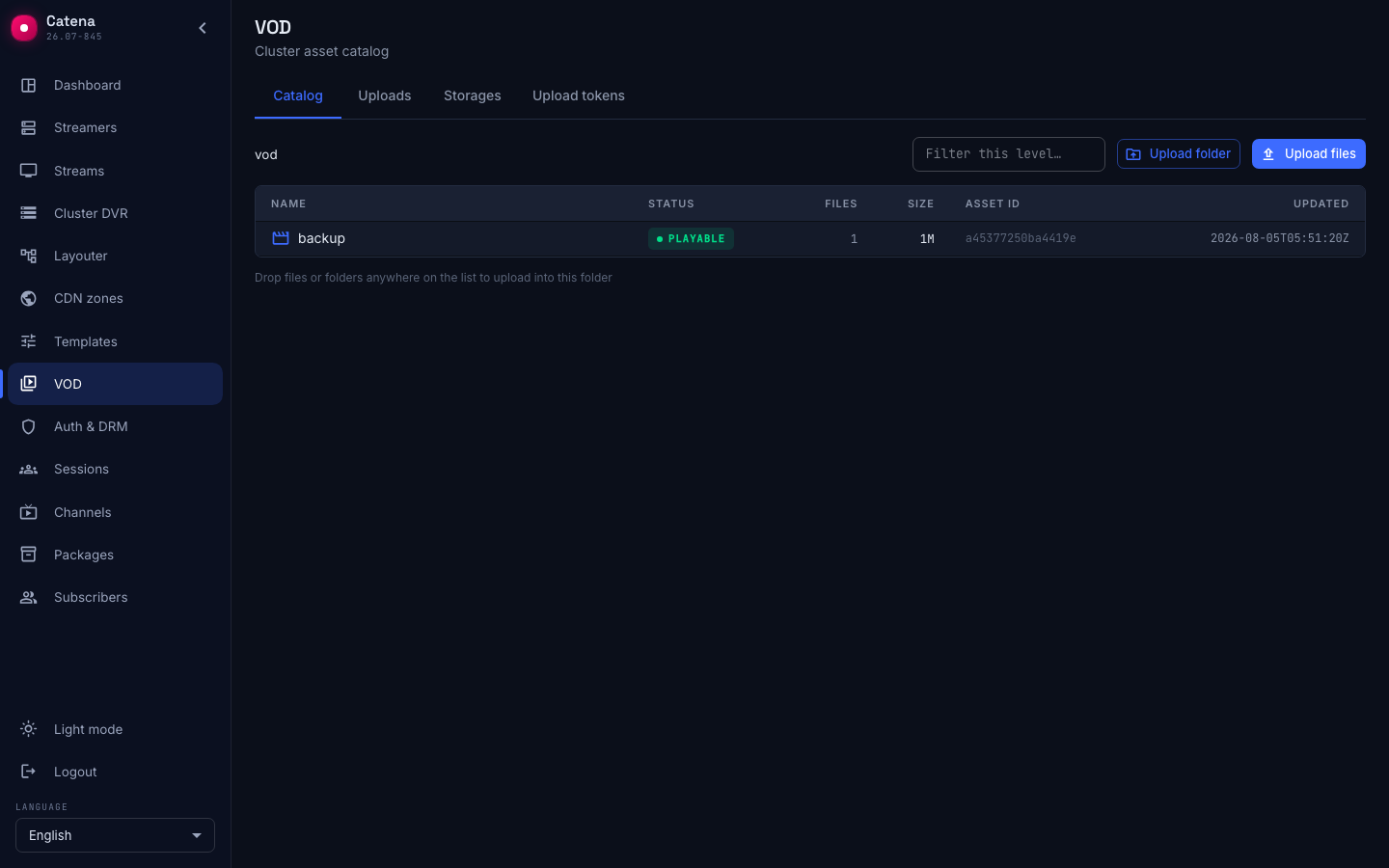
The list columns are Name, Status, Files, Size, Asset id, Updated. The status is available or unavailable: an asset is available when it has a ready placement on an available storage; while its files are still uploading or the storage is down, the asset is unavailable.
The tree shows at most 1000 folders per level — on a longer list it says Only the first 1000 folders are shown — narrow with the filter. The Filter this level… field filters the current level, and Load more pulls in more assets.
Where an asset sits
The Location table shows every streamer that holds the asset: Location — the storage and the streamer, Status, Revision and Viewers — how many sessions of this asset play from it right now. There are two rows or more when the asset has copies:
- original — the primary location, where the asset was uploaded; job outputs land here too.
- copy — the full composition of the asset on another streamer; it is made by an asset template with a number of copies, see VOD copies and balancing.
The same viewers enter the Streams and clients chart of the control panel: twenty-four sessions in the Viewers column are the same twenty-four on the chart, even when no stream on air has a viewer.
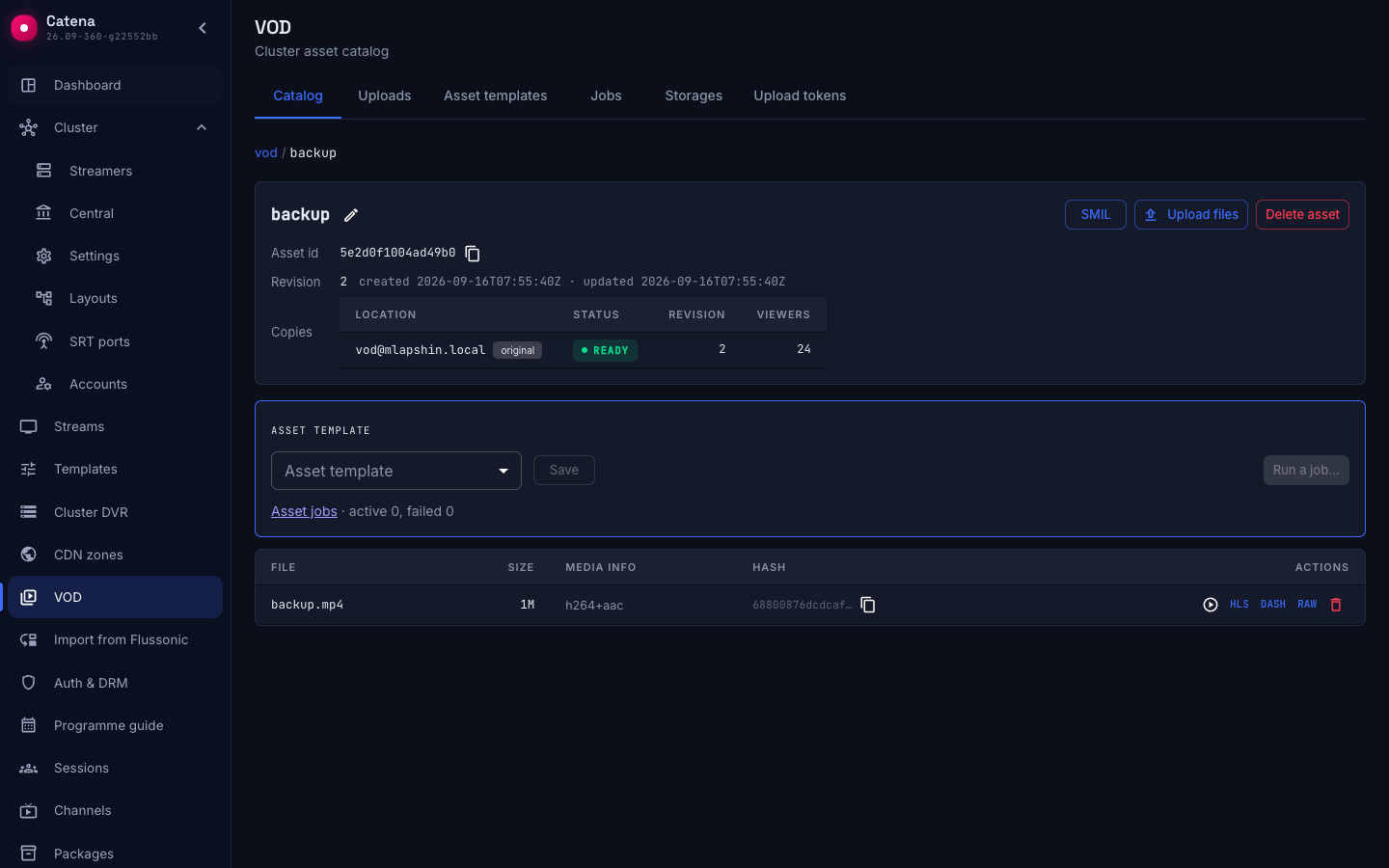
Next to it you may see storage unavailable. It means exactly what the hint says: Playback 503; deletion works, cleanup deferred. That is, the catalog stays manageable even while the machine holding the files is down.
Asset files
The file table: File, Size, Media info, Hash, Actions. A file whose media info could not be read is marked media error and is available as a raw file.
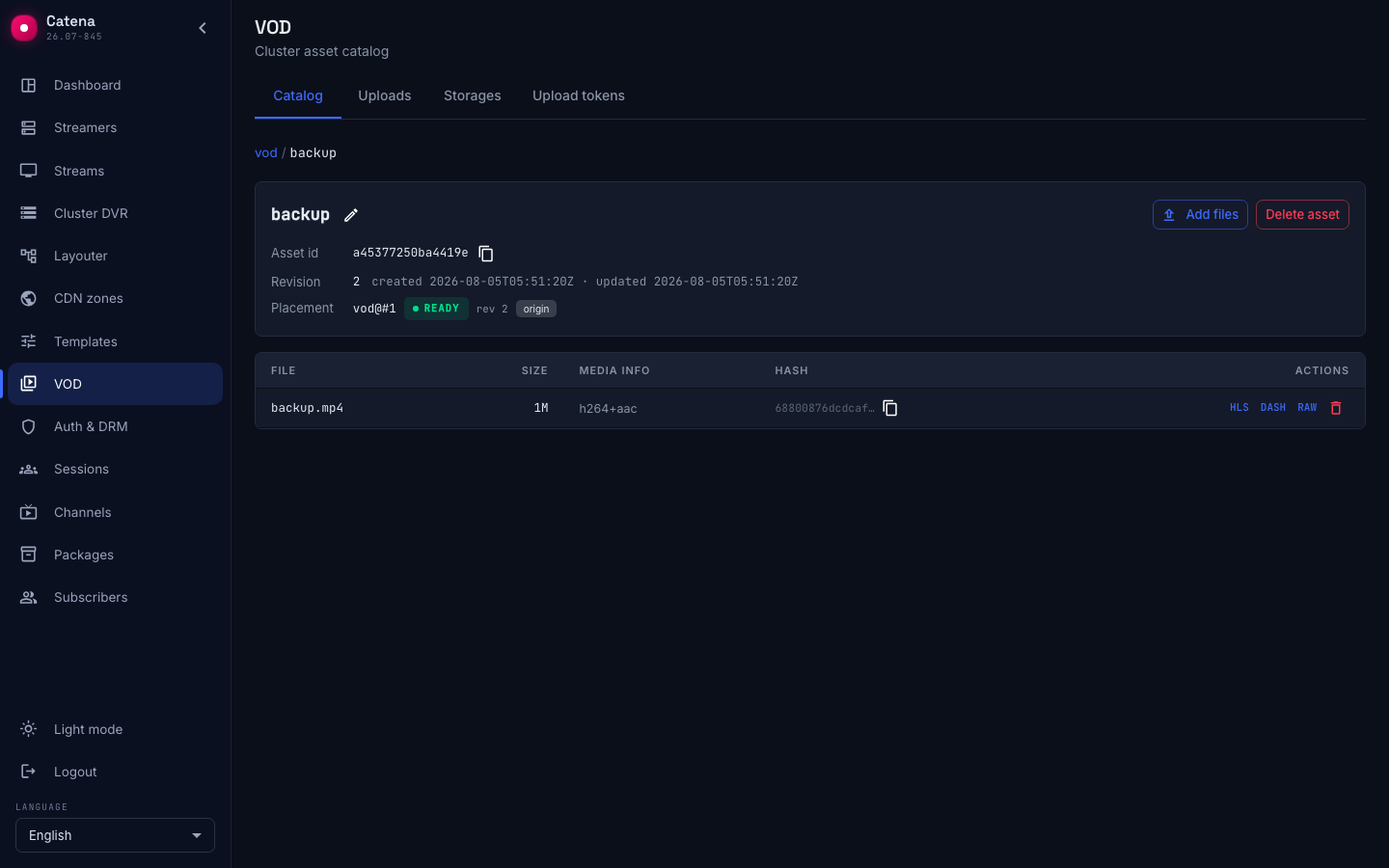
Above the file table stands the Asset template block — which quality ladder is bound to the asset, with the Run a job… button; a file that is being processed right now comes first in the table and is highlighted, and its Delete is disabled until the job finishes. See VOD transcoding for details.
Copy hash copies the file checksum. The Play button and the HLS, DASH and RAW buttons are covered below.
Playing a file
The Play button in the Actions column opens a player right in the console — over the card, without leaving the catalog. Close it with Esc or the cross in the corner.
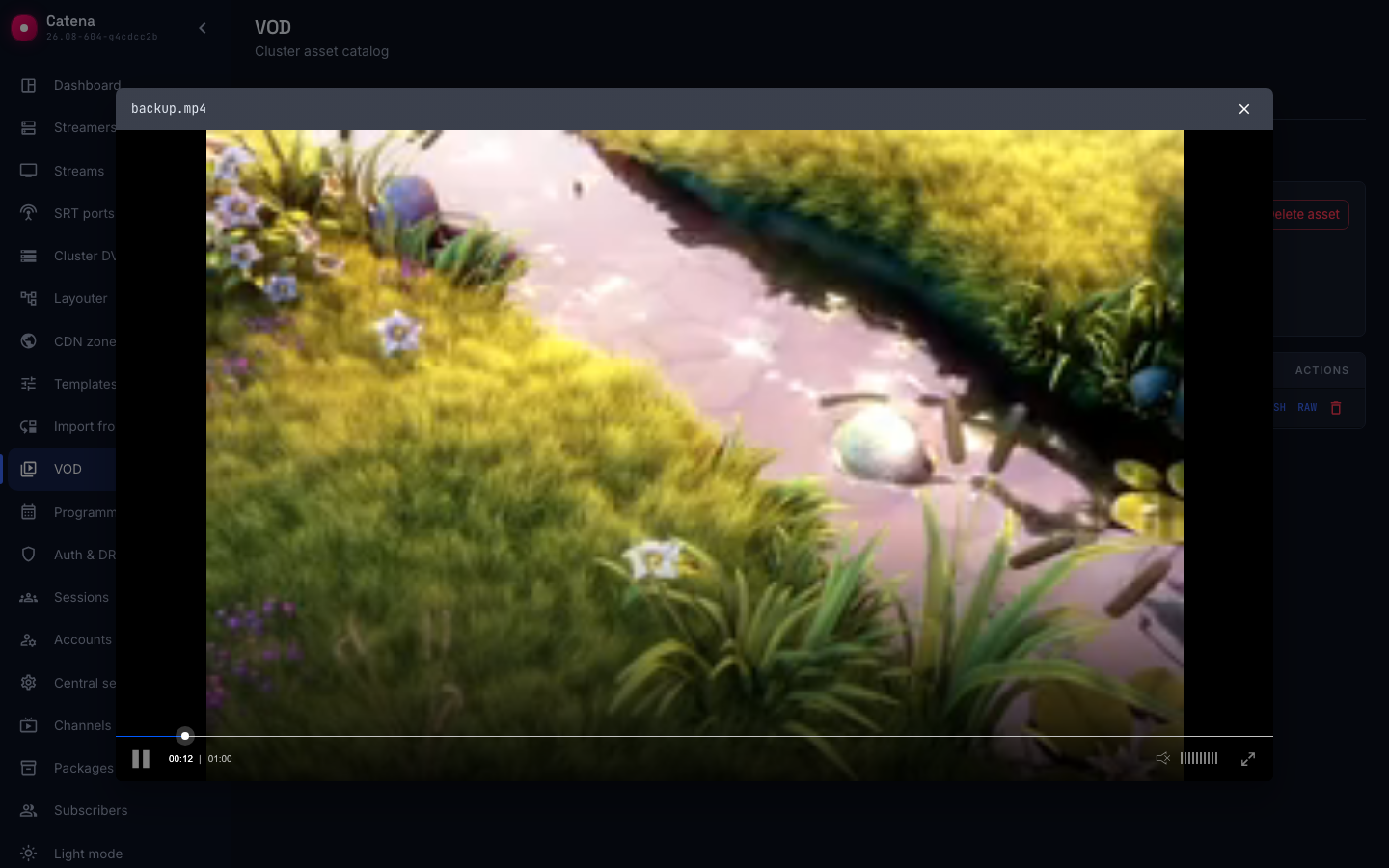
The page address changes together with the open player, so the link can be sent to a colleague: it takes them straight to this file.
The HLS, DASH and RAW buttons copy the playback link of the respective kind — paste it into your own player, set-top box or analyzer. A copied link already carries a temporary admission ticket and plays as it is: playback is closed by default, and such a ticket lives a few hours and is meant for a single viewing. Issue your own tickets for a storefront — see Catena tickets.
Addresses are built from the asset id and the file name:
| What | Address |
|---|---|
| HLS | /playback/vod/<asset id>/<file>/index.m3u8 |
| DASH | /playback/vod/<asset id>/<file>/Manifest.mpd |
| The file itself | /playback/vod/<asset id>/<file> |
| Player page | /playback/embed-vod/<asset id>/<file> |
The address carries the asset id, not the key, so renaming does not break such links. Nor does the link name the streamer that will serve the file: if the asset has several locations, central sends the player to the least busy one — see VOD copies and balancing.
The quickest check that the file is served is its playlist:
curl -s 'http://<address>/playback/vod/<asset id>/<file>/index.m3u8?token=<ticket>' | head
- A playlist with variants (
#EXT-X-STREAM-INF) — the file is parsed and plays. - 403 — there is no ticket, or it does not cover this asset.
- 404 — no such asset, or no such file in it.
A file whose media info could not be read is not offered for playing: it has RAW only.
Renaming a key
Rename key changes metadata only: files stay in place; saved links by AssetId keep working. Renaming a folder rewrites the prefixes of every key underneath it at once. If the new key is taken, the operation is rejected — This key is already taken.
Deleting
Deletion works at three levels:
- Delete file — one file leaves the asset and the asset revision will increment. If it was the last one, the asset is deleted with it.
- Delete asset — with a confirmation stating the number of files.
- Delete folder — every asset under that prefix. The console first collects the list (Collecting assets: N), then queues them and shows the progress: Deleting assets: N/N, N failed, Deleted N assets.
Deletion always acts on the catalog, not on the disk: the message Deleted from catalog — node cleanup deferred means the record is gone at once, while the files are removed by the streamer when it can. That is exactly why deletion is available even with a storage unavailable.
What next
- VOD uploads — how to upload files, where to look at storages and how to issue a portal upload token.
- VOD transcoding — asset templates, jobs and outputs.
- VOD copies and balancing — copies of the asset on other streamers and viewer distribution.