Packages
A package is what a subscriber subscribes to. Subscriptions are granted not per channel but per package: that way a set of fifty channels is sold and revoked in one action.
Create a package
On the Packages screen, type a name into New package name and press Create.
The package name is a technical identifier: 2 to 20 characters, Latin letters, digits, hyphen and underscore. It is unique within the installation. The human-readable description is a separate field.
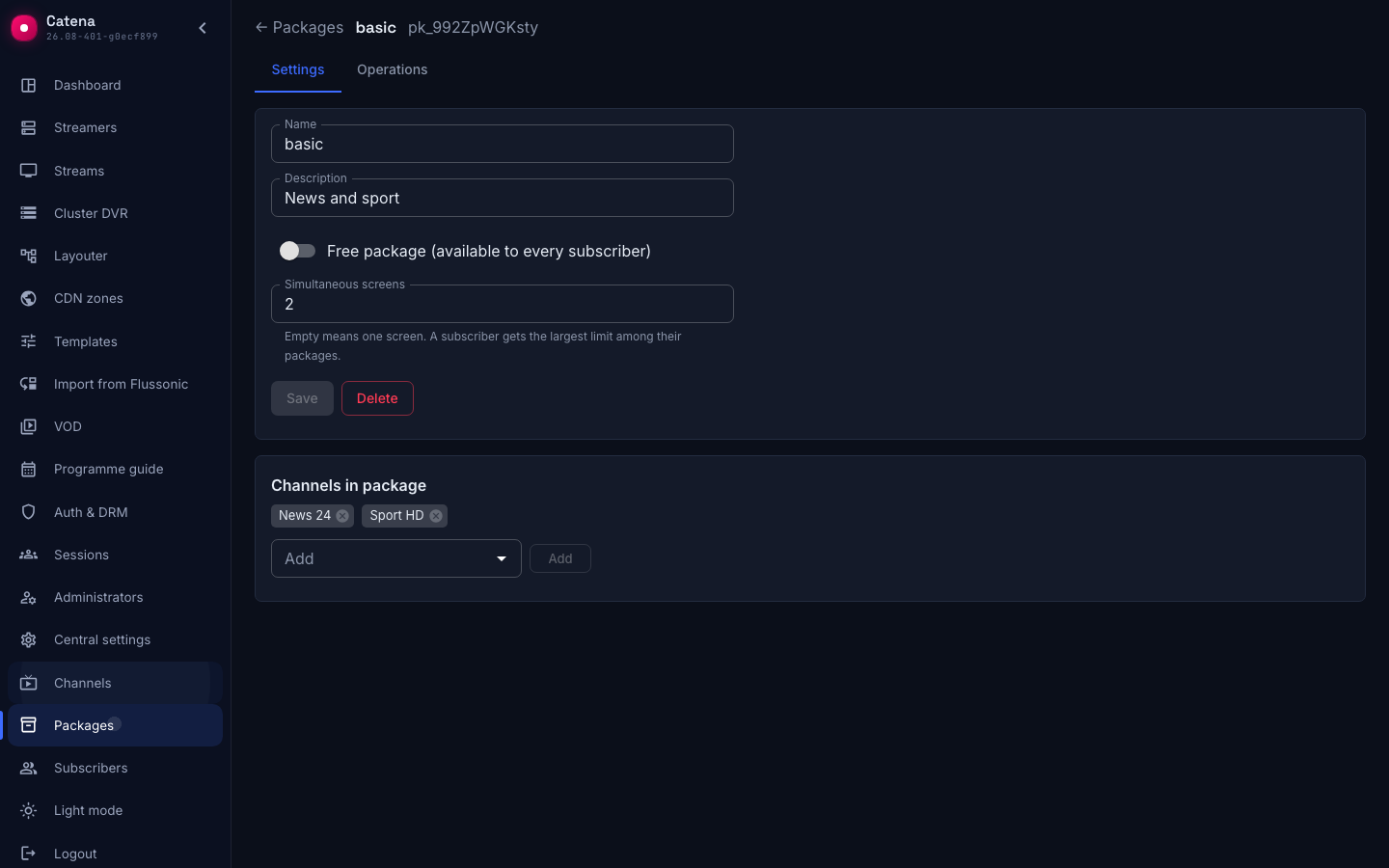
Package settings
The Settings tab:
- Name — the package identifier.
- Description — optional text for the operator.
- Free package (available to every subscriber) — a switch that changes what the package means: its channels are available to everyone, with no subscription at all.
- Simultaneous screens — how many views the subscriber may run at once.
A free package is how you hand out the public part of the storefront without granting a subscription to each person. Keep in mind that it grants access to every existing subscriber at once, including those with no subscriptions.
How many screens at once
An empty Simultaneous screens field means one screen. A subscriber gets the largest limit among their packages, not the sum: someone holding a two-screen package and a four-screen package watches on four, not on six.
Hence a consequence that is easy to trip over: a limit set on a free package applies to the whole subscriber base — everyone has the free package.
A raised limit takes effect at once: views in progress are not interrupted, and the subscriber does not have to sign in again. A viewer who hits the limit sees the busy-screens message in the storefront — see Storefront.
As elsewhere in the subscriber service, a parallel edit of the same record is rejected with Someone else changed this record — reload and retry.
Package composition
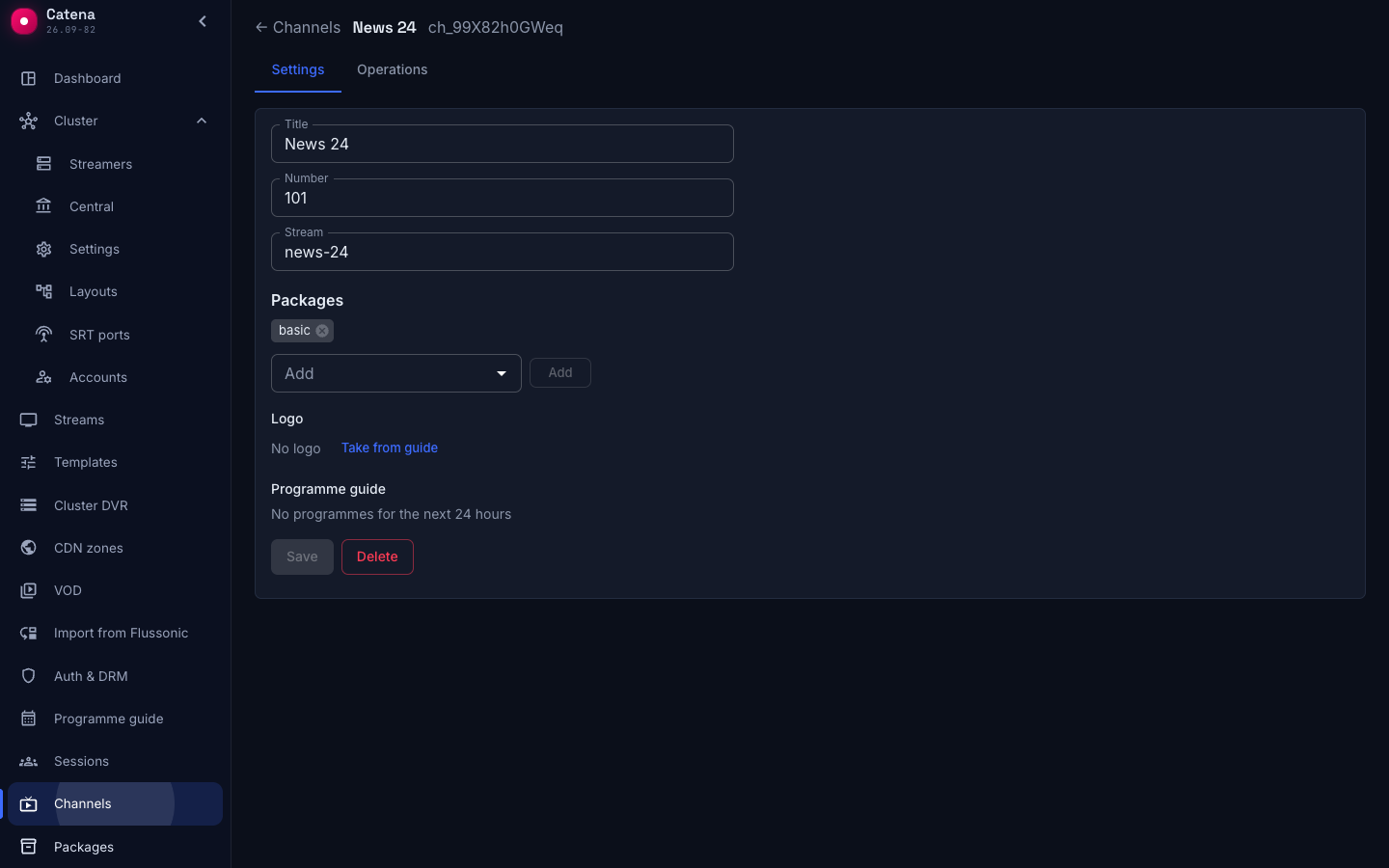
The Channels in package block is what the package exists for. Channels are added to and removed from the package here; from the channel side the same composition shows up in the Packages field.
One channel may belong to any number of packages. Deleting a package clears the membership by cascade — the channels themselves stay.
Operations log
The Operations tab shows the type, the time and the details of every change: package_create, package_update, package_delete, package_channel_link, package_channel_unlink. The log entry is written in the same transaction as the change.
What next
- Subscribers — grant a subscription to a package and understand the access formula.
- Channels — what a package is built from.
- Storefront — what the subscriber ends up seeing on screen.