RADIUS
Watcher can check logins and passwords through RADIUS. A Watcher or domain administrator configures it. Before changing external authentication, add user accounts to RADIUS, including administrators: external checks also apply to their login.
Use ASCII usernames and passwords for this method: the implementation discards non-ASCII characters.
Enter the following external authentication address in Settings:
radius://radius.example.com:1812/EXAMPLE_SHARED_SECRET
Here, radius.example.com is the RADIUS server, 1812 the port and the string after / the shared secret between the Watcher client and RADIUS server. Use your installation's values. In the settings API, the address is auth.external_auth.
The External authentication field is used for both HTTP and RADIUS. For RADIUS, enter the radius:// address shown above.
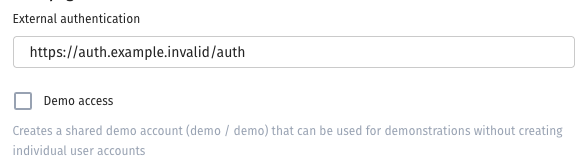
Save. With a test account, check allowed login, rejection and behavior when the server is unreachable, as described below.
During password login, Watcher sends Access-Request with:
- User-Name — the login.
- User-Password — the password.
Possible outcomes:
- Access-Accept — Watcher creates a missing user or stores the accepted password's hash for an existing one.
- Any response other than Access-Accept, including Access-Reject — login is rejected; an existing user's local password hash is replaced with an invalid value.
- No response — Watcher checks the password against its local database.
RADIUS does not assign administrative roles or camera access. Create organizations and grant permissions in Watcher. An account created on the first successful login does not automatically receive video access. If a user is disabled in Watcher, Access-Accept does not enable it.
HTTP authentication has a different contract — see the external backend.