Map
Map shows cameras accessible to you that have coordinates. Open Map in the main menu and click a camera icon to see its card.
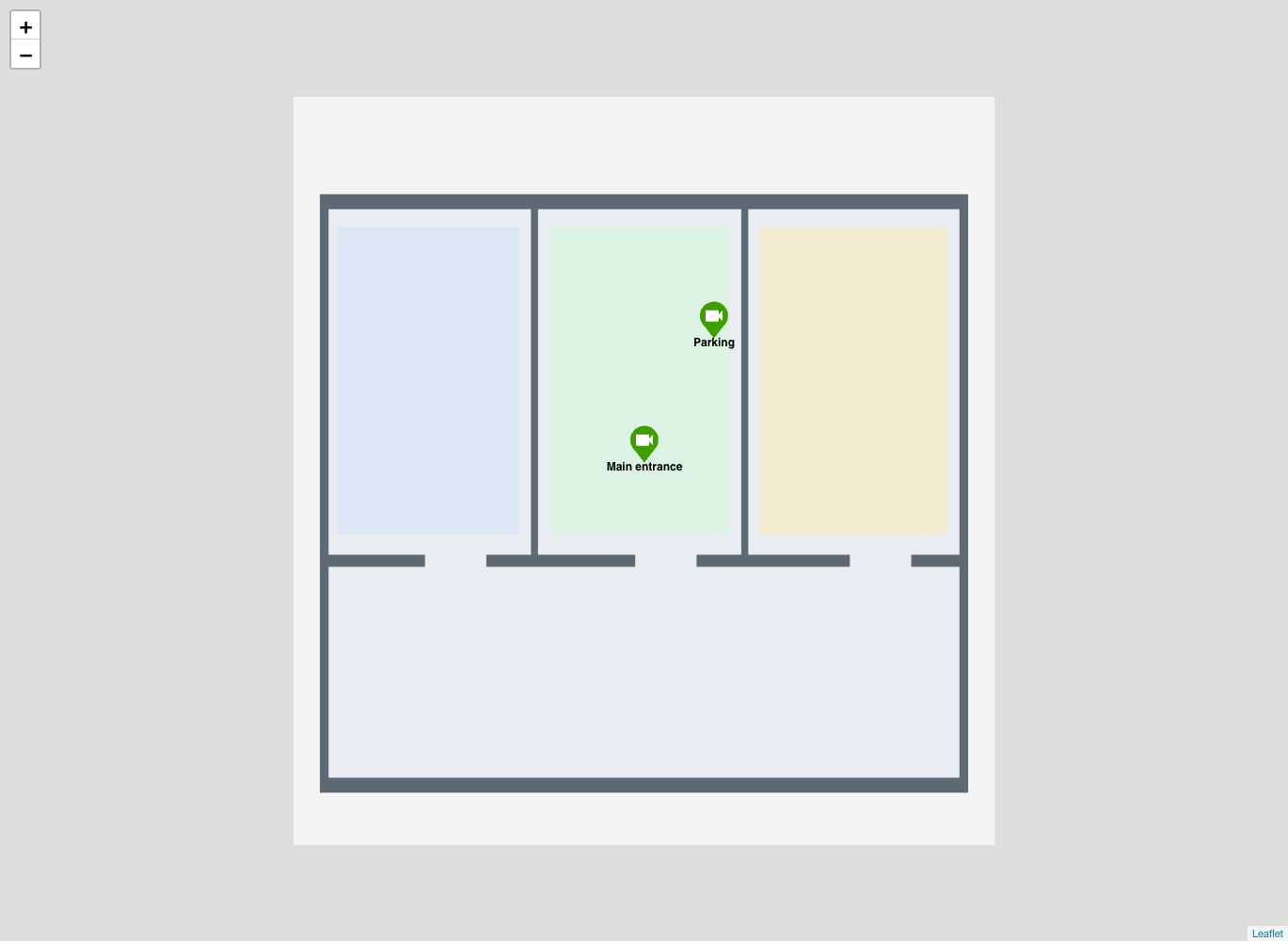
Map data: © OpenStreetMap contributors.
Nearby cameras are grouped with a camera count. Zoom in or open the group to select a camera.
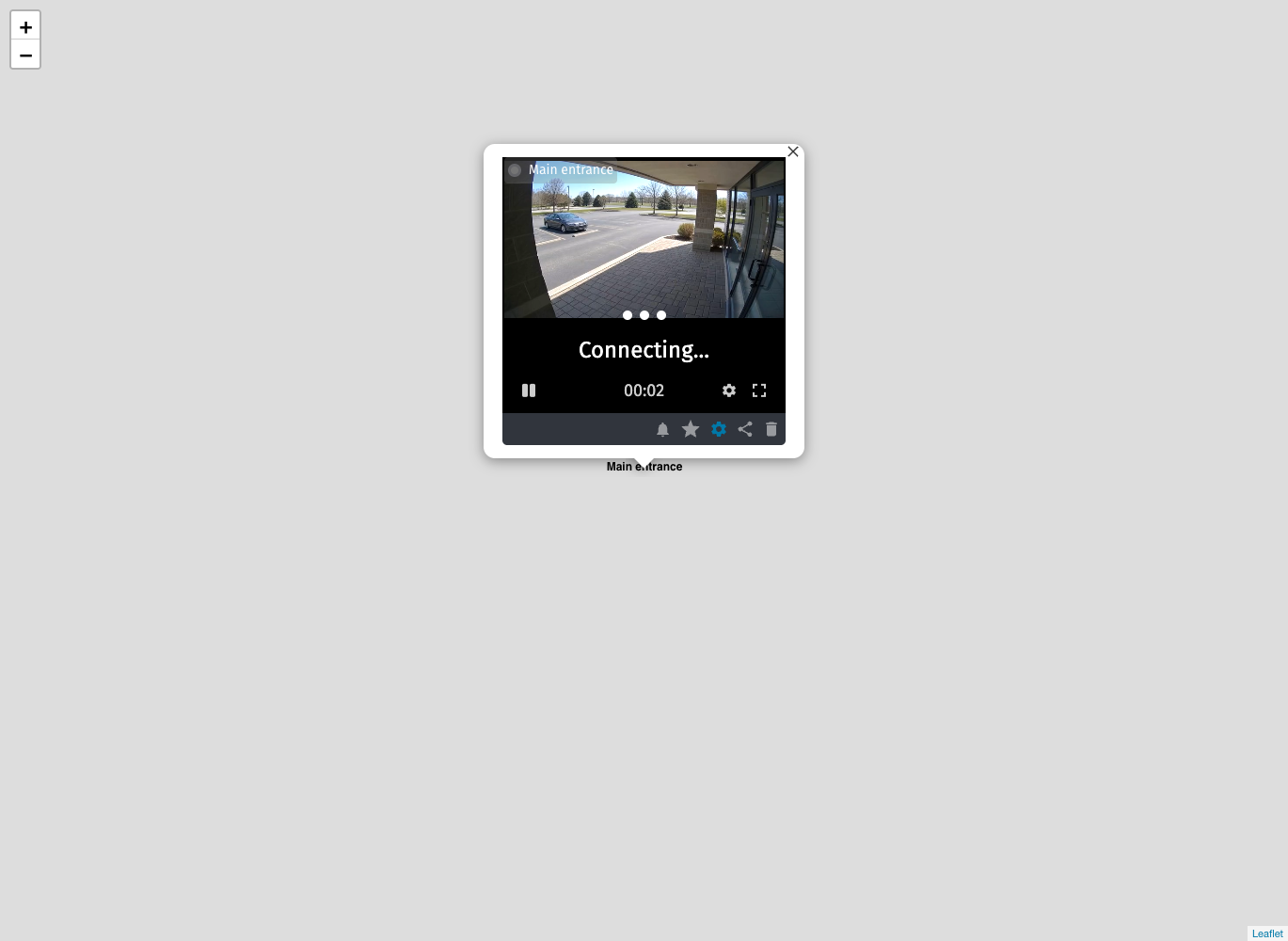
Example camera card on the map while connecting.
Configured multilevel floor plans can also appear on the map. Plans are linked to camera folders.
If Map is missing, the administrator must enable it in the menu. If the map background does not load, check browser network access to the selected map provider.
Users need camera permissions to see cameras on the map.