Detecting vehicles without a plate number
The vehicle detector can create an episode even when a plate number is not recognized. This is part of license plate recognition.
A missing number in an episode does not prove the vehicle physically lacks a plate. A plate may be obscured, cropped by the frame, too small or overexposed. Use these episodes for searching and subsequent video review. If the installed model does not recognize the required plate format, the result may also lack text; test that format on a sample of vehicle passages.
Prepare the image
To distinguish a vehicle without a plate from recognition failure, position the camera so the plate mounting location is visible throughout the monitored area.
Check:
- Visibility — the whole vehicle and plate mounting location are in frame.
- No obstructions — wires, signs and trees do not hide the plate.
- Trajectory — the monitored area excludes turns where the plate faces away from the camera.
- Night mode — lighting makes plates readable without overexposure.
If only part of the frame meets these conditions, configure detection zones. When restricting analysis to zones, check that the full-frame detector has been removed: adding a zone alone does not disable it.
Assessing capture conditions:
| Condition | Assessment |
|---|---|
| Suitable angle | The plate mounting location is visible and the whole vehicle is in frame. |
| Obstructions and small plates | A wire hides the plate or it is too small. A missing recognized number is ambiguous. |
| Night overexposure | The plate is overexposed. Detection cannot confirm whether a physical plate exists. |
Enable the detector
Install and configure the analytics module, then enable License plate recognition on the camera. Vehicles without a recognized number do not require a separate switch.
Exclude partly visible lanes and areas where plates are consistently hidden. After configuration, check several known-number passages during day and night.
View and search
Open Events → Vehicles. Disable With license plate to include episodes without a recognized number. Select a camera and time interval, then find rows without a number value.
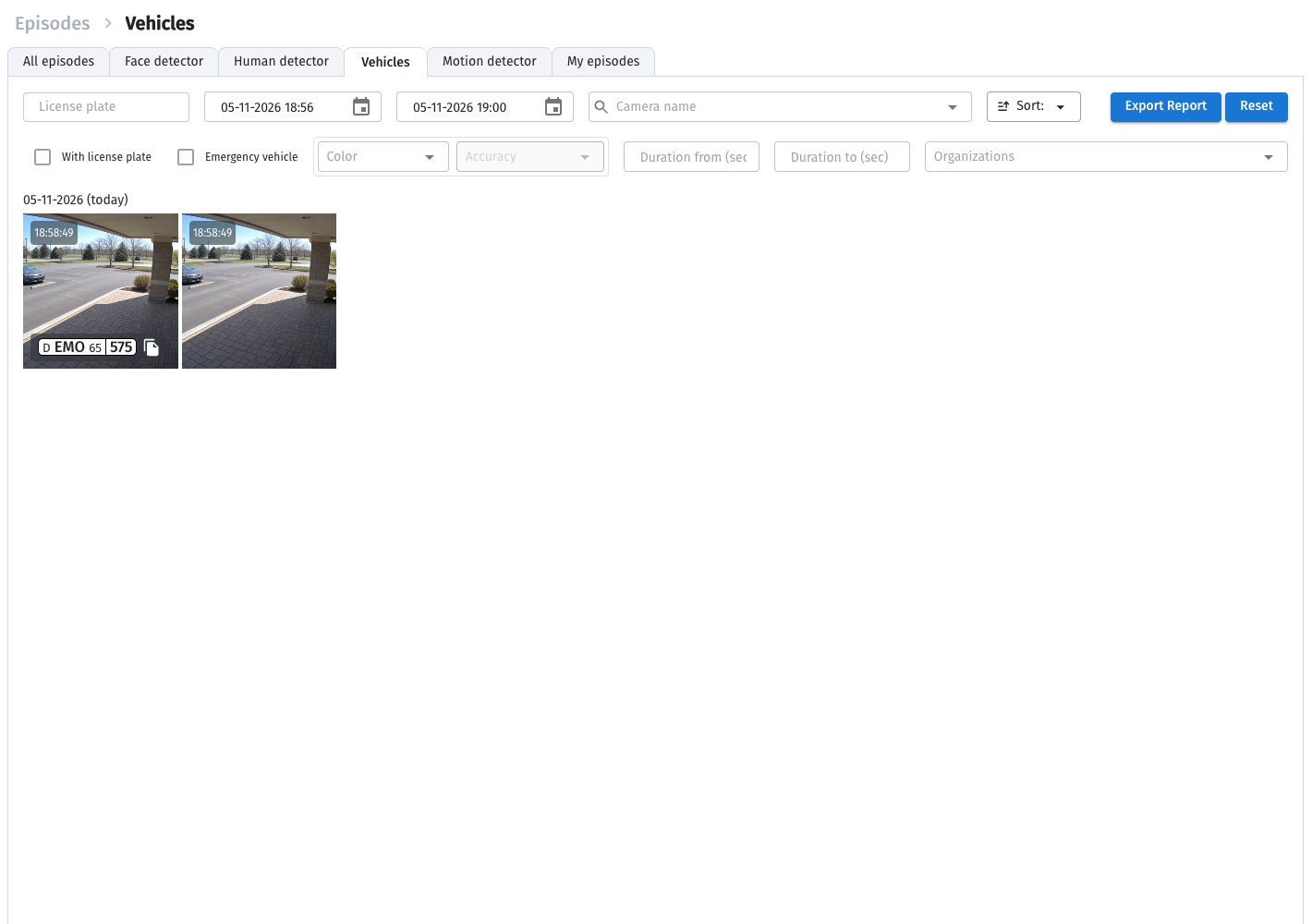
With the filter disabled, the list includes episodes with and without recognized numbers.
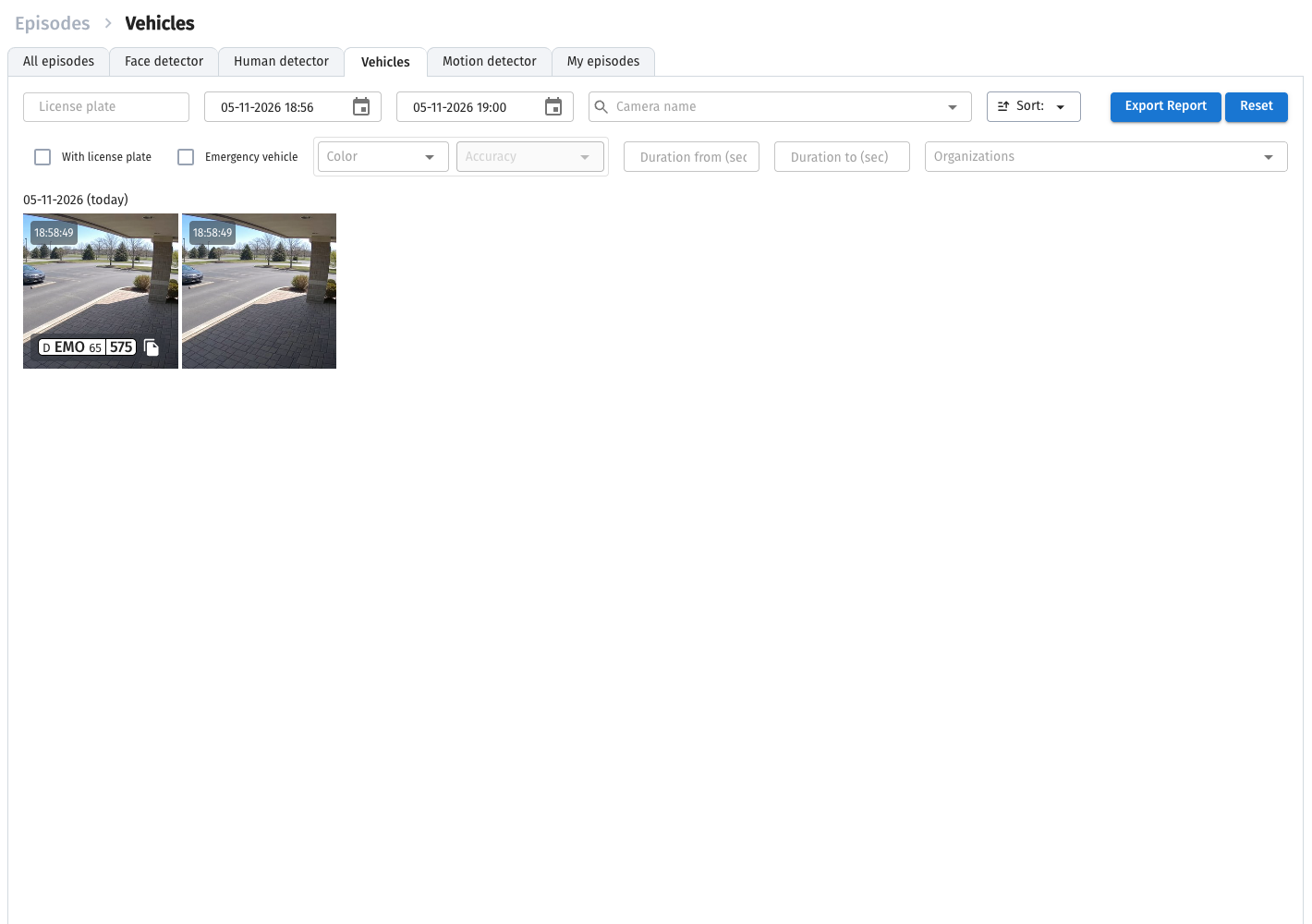
Open an episode and review the video: was the plate visible, and can its absence be established? Enabling With license plate excludes these episodes; disabling it shows all vehicles, not only plateless vehicles.
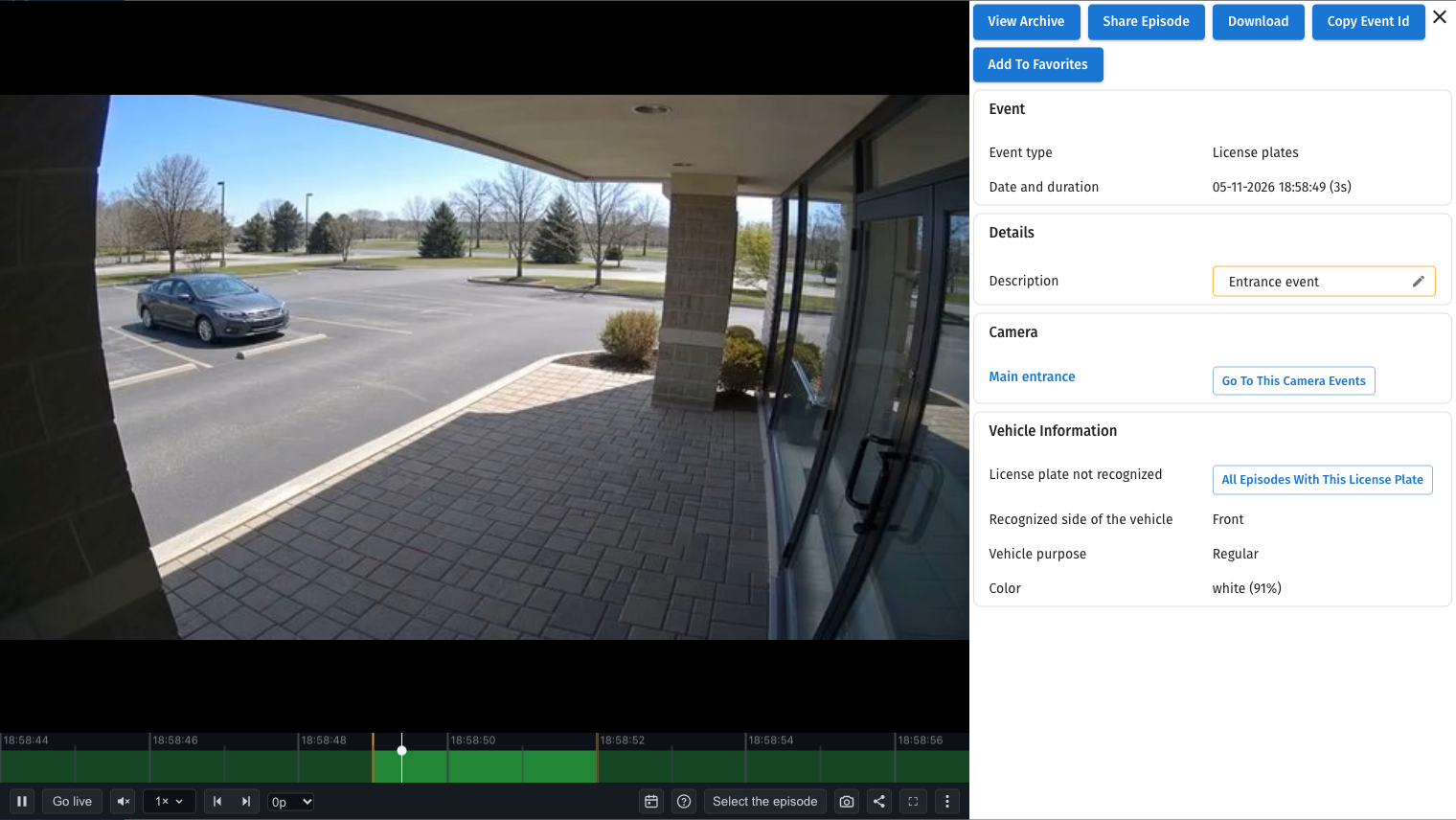
The episode has no plate text. Review video from the event time to establish the cause.