Adding a camera to Favorites
Favorites stores cameras and events you need to return to quickly. Adding a favorite does not change access rights to video.
Add a camera
- Open My cameras and find the camera.
-
Click the favorites icon on its card or choose the add-to-favorites action in the camera menu.
-
Go to Favorites → Cameras. The camera appears in your list.
Large and small tiles are available here with the same actions as in My cameras. To remove a camera from favorites, click the favorites icon again. This does not delete the camera.
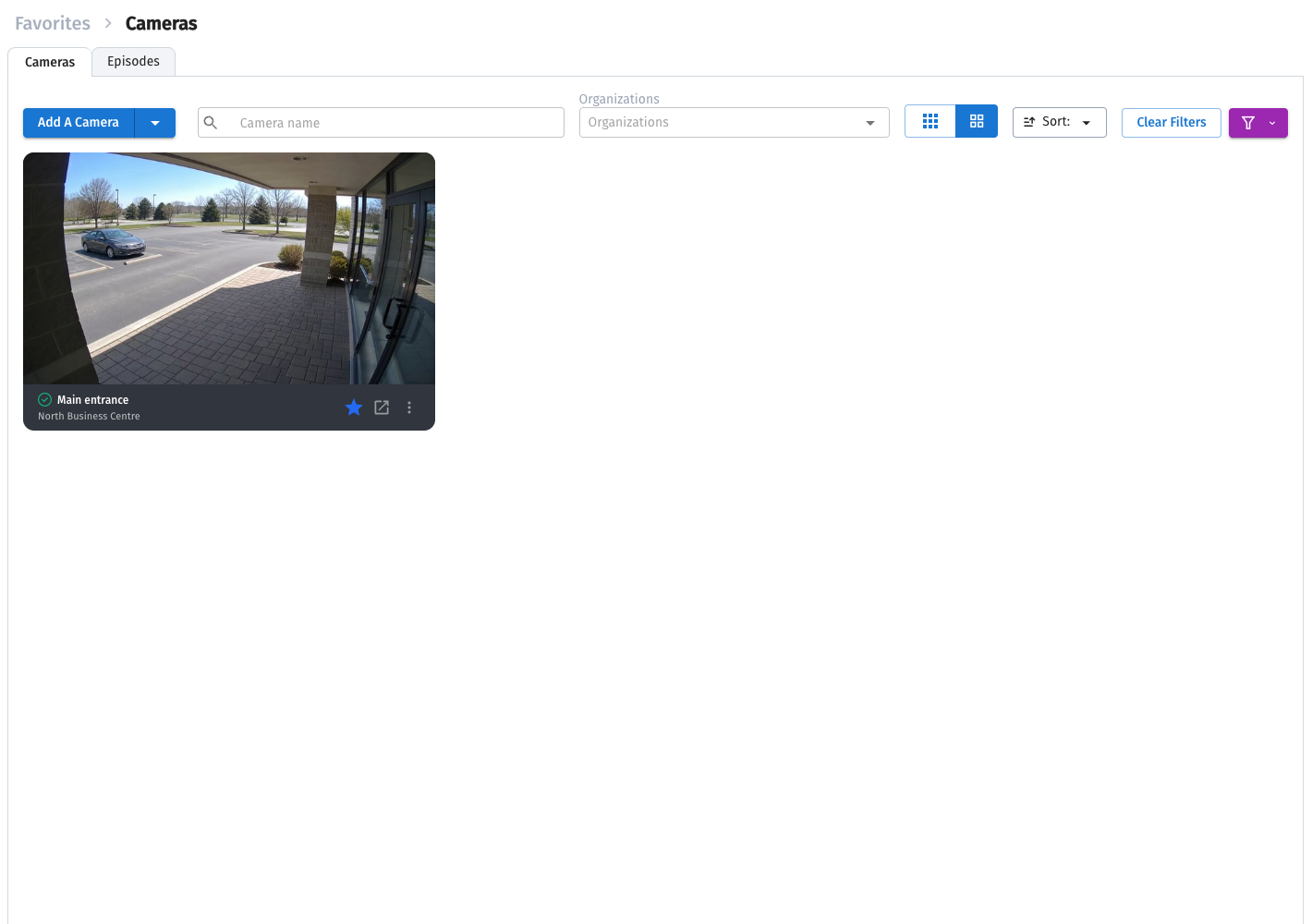
Save an event
- Open the required event card and click the favorites icon.
- Go to Favorites → Episodes and find the saved card. You can filter the list like the regular event feed.
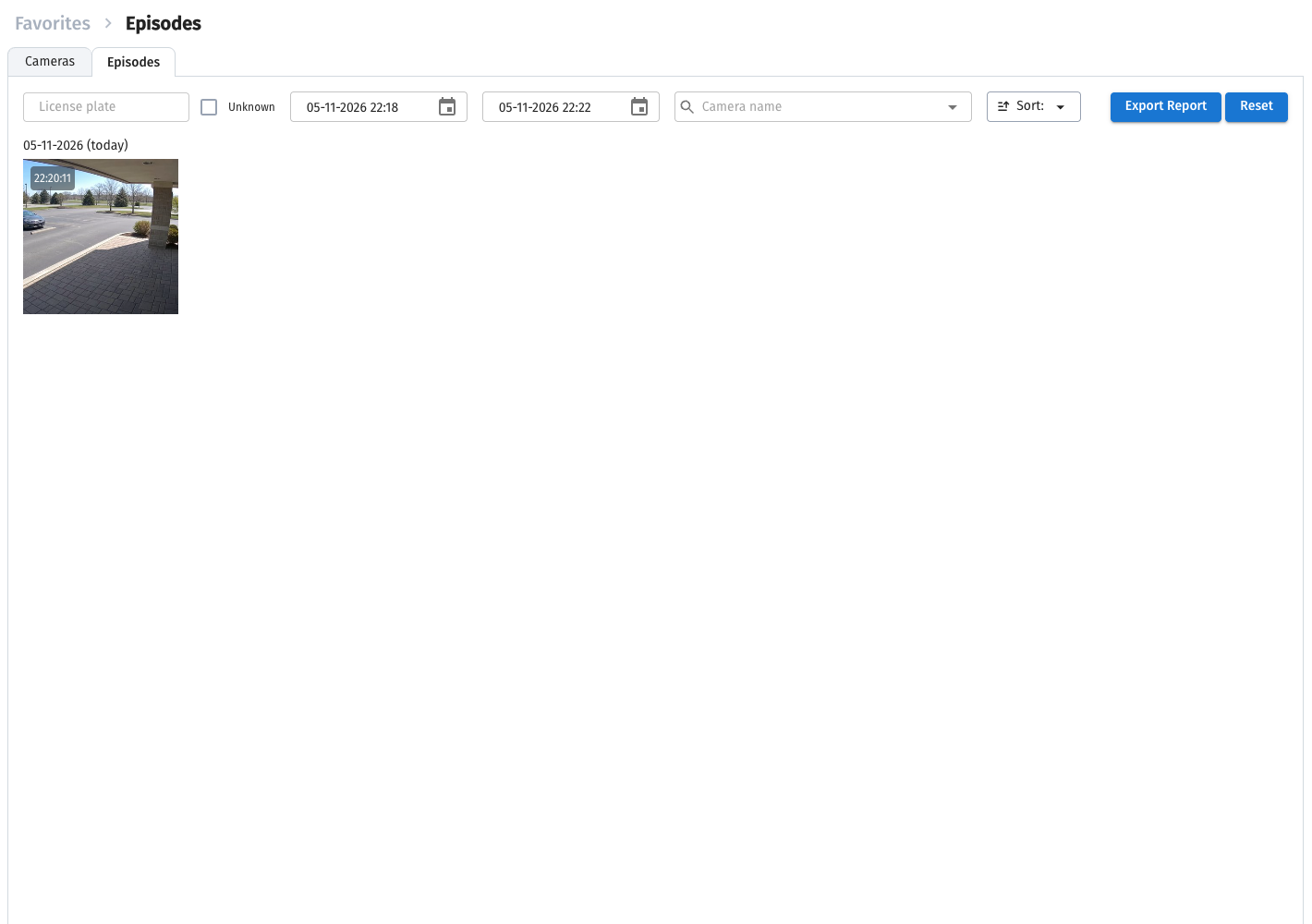
To remove an event from favorites, open its card and click Remove from favorites. Check that it no longer appears in your list.

Favorites stores a link to the event. It does not extend video archive retention or change access rights to the recording.