Quick start
This page takes one clean machine to a playing broadcast. Everything happens on that machine: the agora package turns it into a complete installation — the control plane and a streamer in one process — and sets up its own database on the way.
You are not configuring the database, streamers or the cluster here. That comes later, when the installation outgrows a single box.
What you need
- A machine with Ubuntu 24.04 and root access.
- Internet access — the licence is activated online.
- A licence key. Copy it from your account at my.flussonic.com: the installation asks for the key itself, there is no need to create
license.txtby hand.
Add the repository
The packages live in the Flussonic repository:
curl -L http://apt.flussonic.com/repo/master/dev.key > /etc/apt/trusted.gpg.d/dev.gpg
echo "deb http://apt.flussonic.com/branch/sapsan/master repo/" > /etc/apt/sources.list.d/flussonic.list
apt update
Install
apt install --install-recommends agora
The installation asks for the licence key — paste the one you copied from your account. The package writes it to /etc/agora/license.txt itself (owner root, mode 0600). You may leave the answer empty: the package installs, but the service does not start until a key is there. If the machine already has a licence file, the question is not asked — an upgrade re-asks nothing.
One package is enough. agora makes this machine an Agora installation and pulls in everything needed for that.
--install-recommends is not decoration here: the transcoder plugins are a recommended dependency, not a required one. The server runs without them, but has nothing to encode with. Apt installs recommended packages by default, so on an ordinary system the flag changes nothing; on a host with APT::Install-Recommends "false" it is exactly what keeps encoding working.
While installing, the agora package:
- creates the
agorarole and database; - generates the database password and the administrator password and writes both to
/etc/agora/secrets.env(mode0600, ownerroot); - starts
agora.service, which applies the database schema on its first run.
The passwords are not printed to the terminal — you read them from the file. Reinstalling and upgrading the package reuse the secrets already written rather than regenerating them.
Log in to the panel
Read the administrator password:
grep EDIT_AUTH_PASSWORD /etc/agora/secrets.env
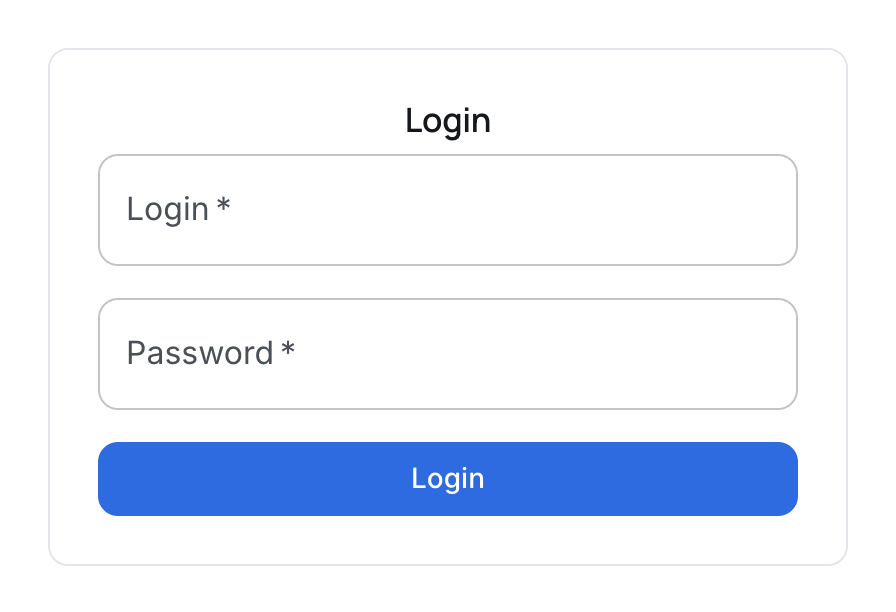
Open http://<server-address>/ in a browser and log in as admin with that password.
You land in the panel. Go to Streams — a fresh installation has none yet.
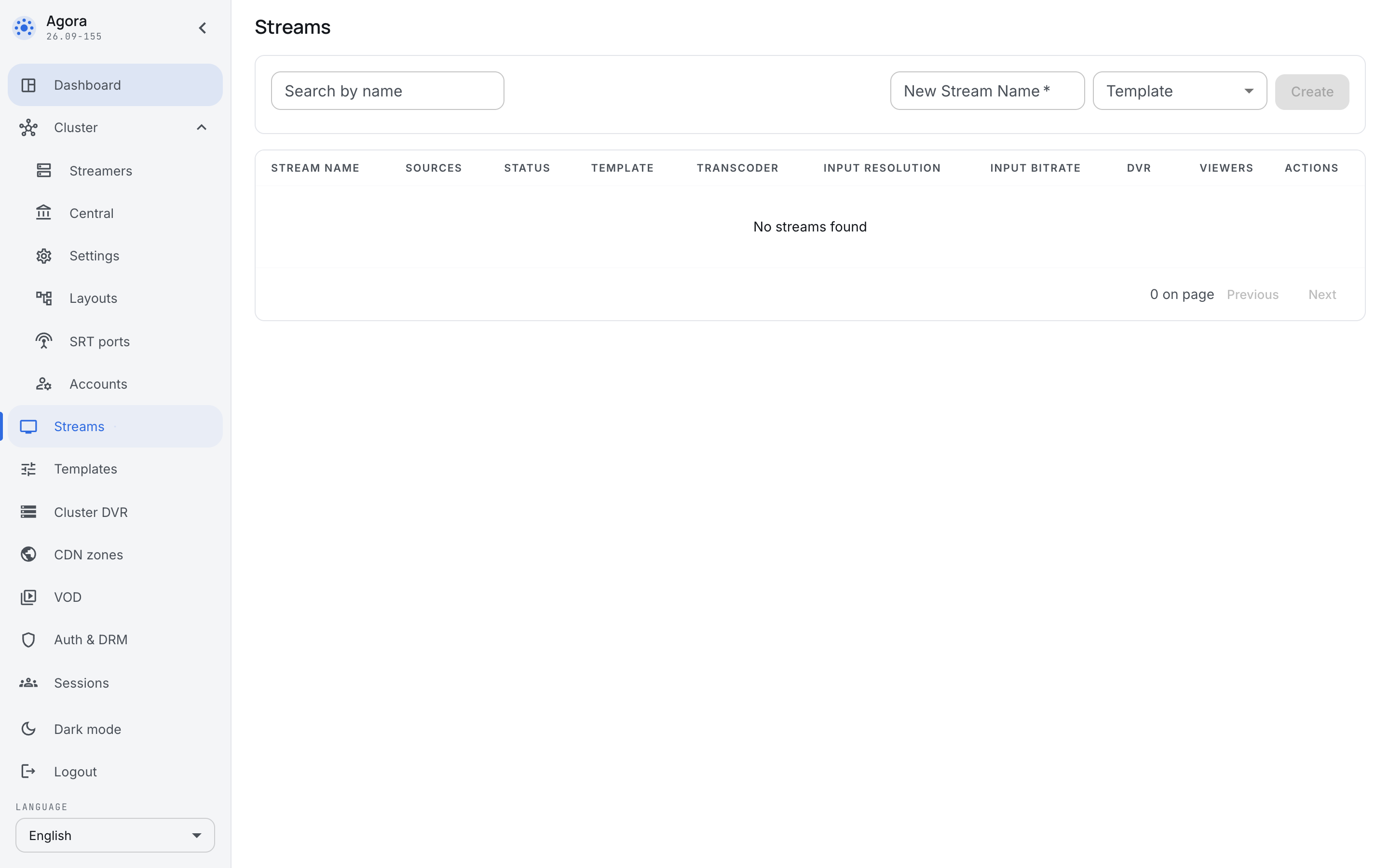
Create the first broadcast
Type the name townhall and press Create. The broadcast opens on the Sources tab, where nothing is configured yet.
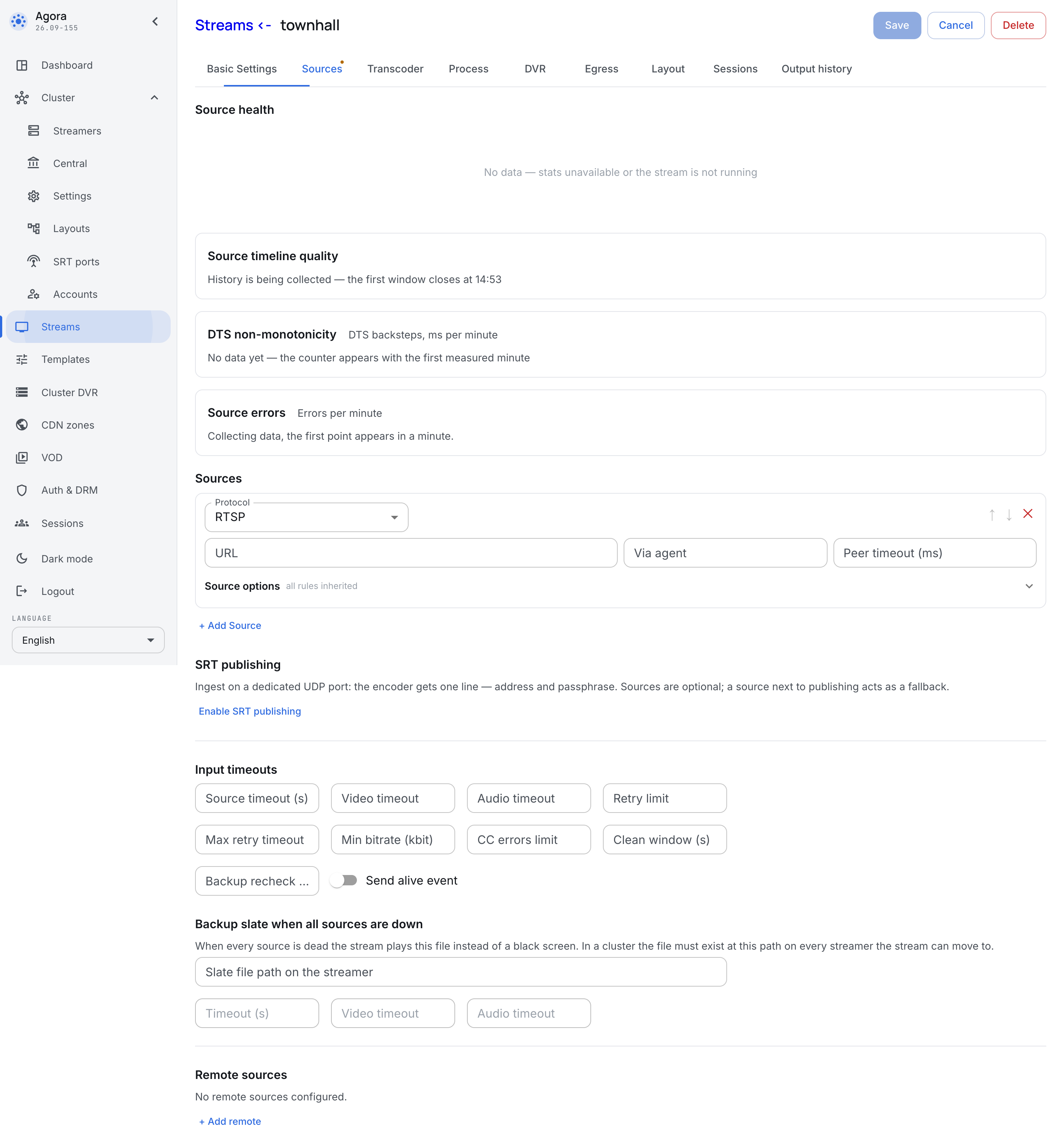
One empty source row is already there. Pick the Synthetic protocol in it — the built-in generator, which lets you check playback before a real studio is connected to the server. Tick both boxes — Generate video (SMPTE bars) and Generate audio (beep/bop): the values filled in for you (1280×720 at 25 fps, 48 kHz stereo) are exactly the ones you want. Press Save.
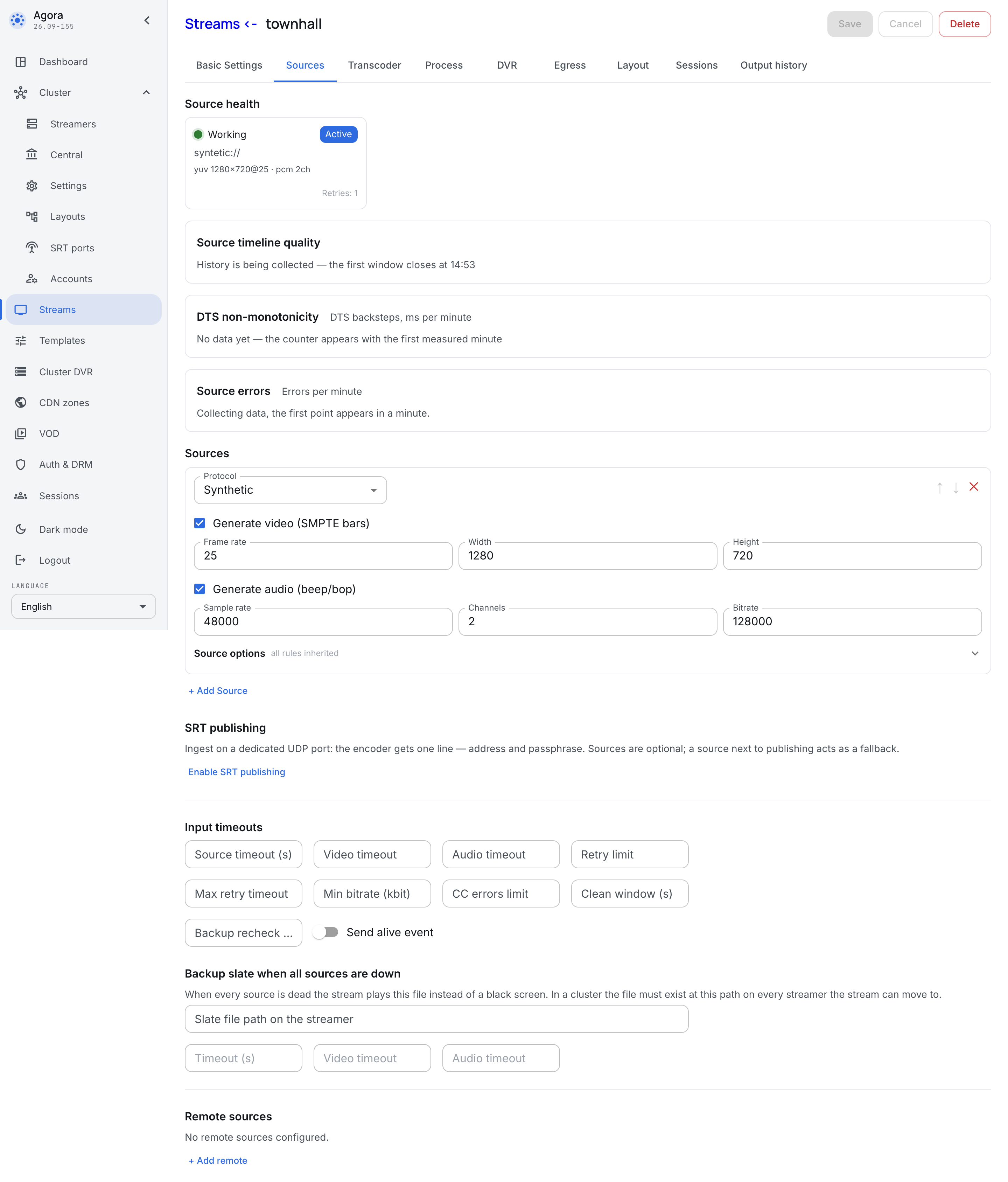
A few seconds later a card with the input parameters appears above the form: the server has taken the signal and parsed it.
Turn the transcoder on
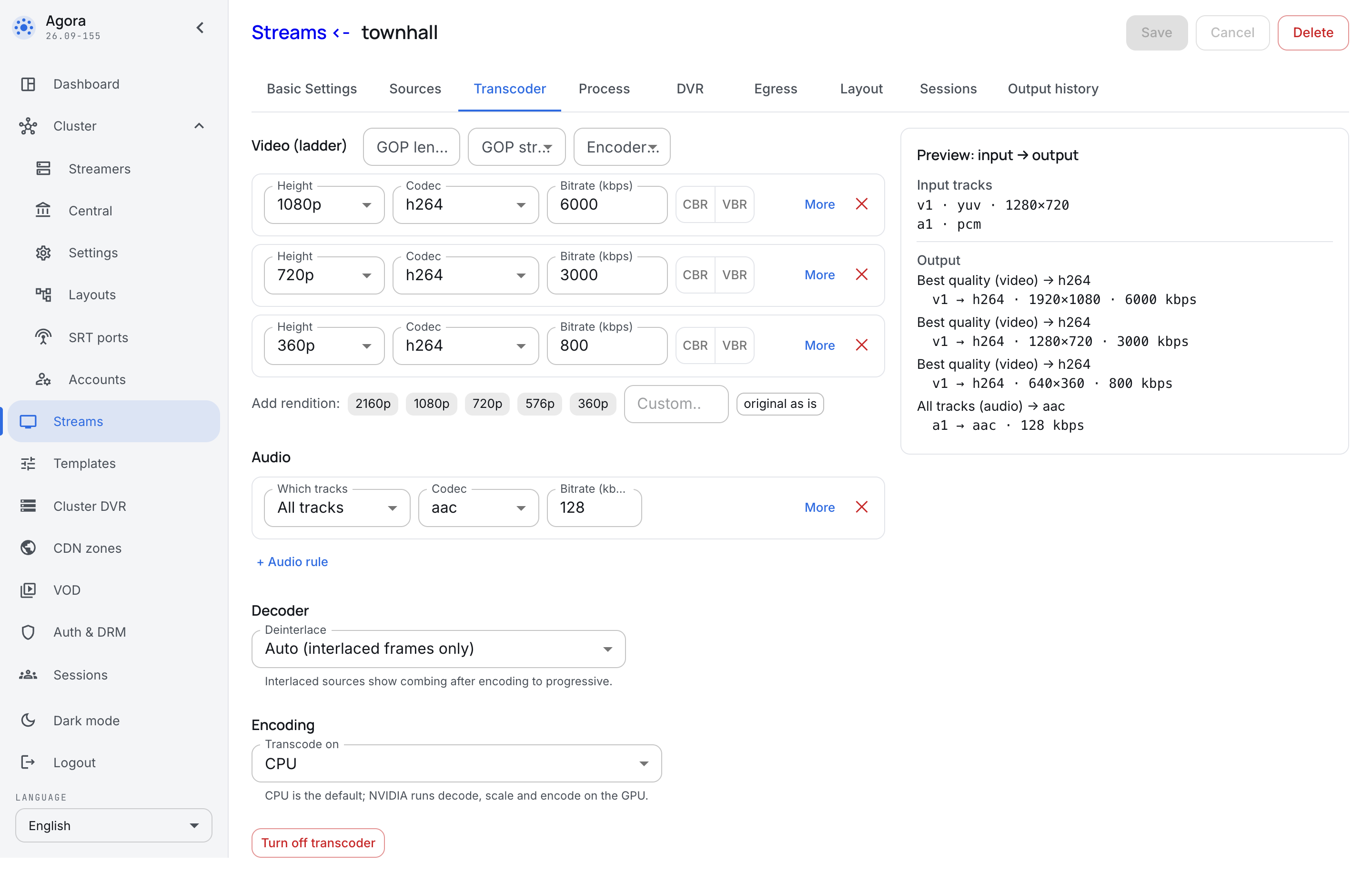
The generator serves uncompressed video and audio, which no player understands, so the broadcast has to be encoded. Go to the Transcoder tab and press the Standard ladder 1080/720/360 + AAC preset — it sets up three resolutions at once, the way a real broadcast needs them: an office laptop takes the top one, a phone over VPN the bottom one. Press Save.
Watch the broadcast
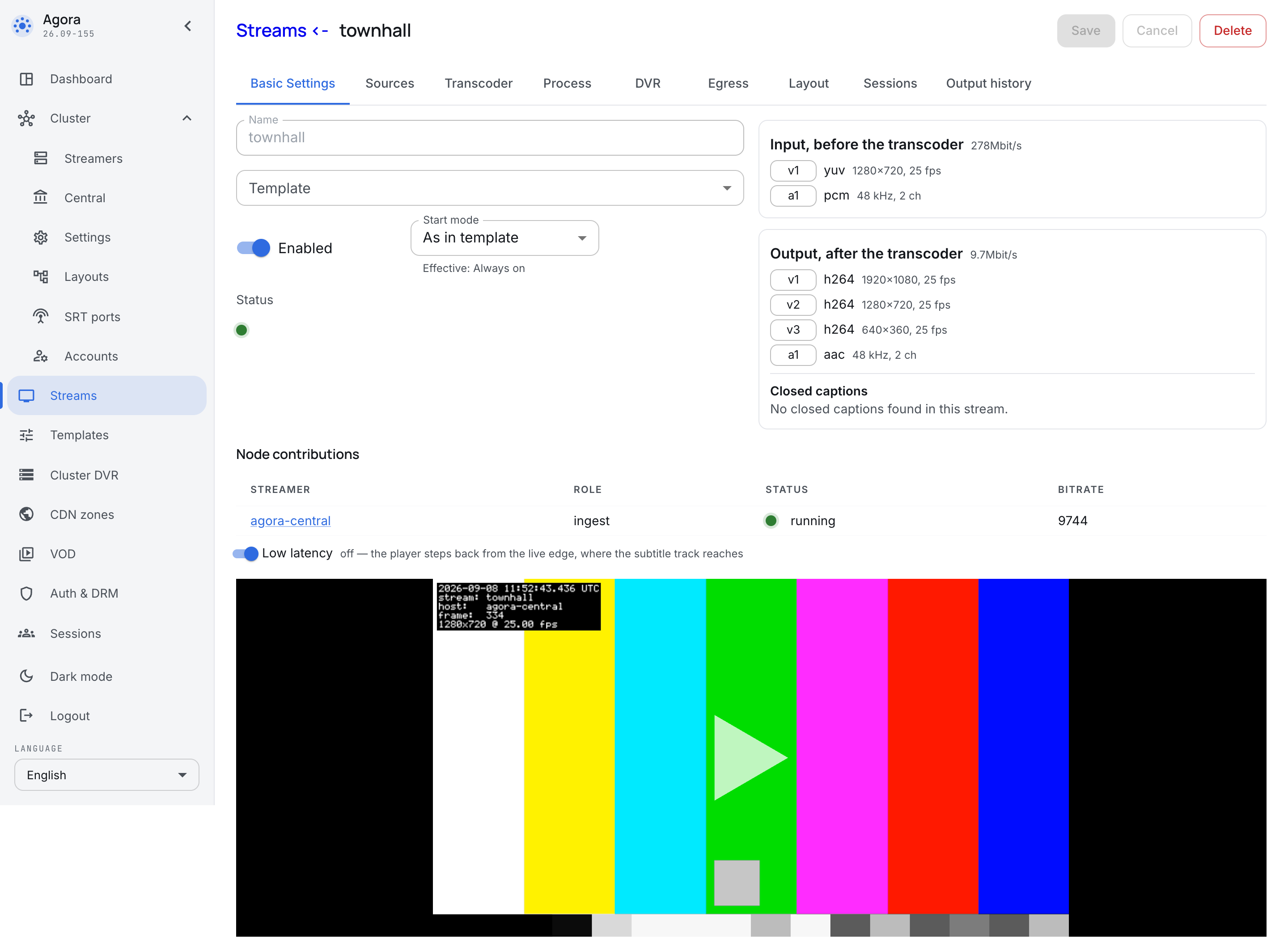
Go back to the Basic settings tab. Once the server has assembled the first segments, the built-in player shows the generator's picture, and above it — what arrived at the input and what came out of the output.
One machine works. Next:
- Administrators — create real accounts instead of the break-glass one.
- Broadcasts — attach a real source instead of the generator.
- Cluster — add a second server when one is no longer enough.