The archive
A meeting is not watched live only. Somebody was travelling, somebody is in another time zone, and a training recording is returned to for months. The archive is the recording of a broadcast onto disks, from which it is watched later.
The recordings stay in the company: they lie on its own servers' disks, not with an outside provider. For internal broadcasting that is usually the deciding consideration.
Recording a broadcast
The archive is switched on per broadcast, on the DVR tab of its card.
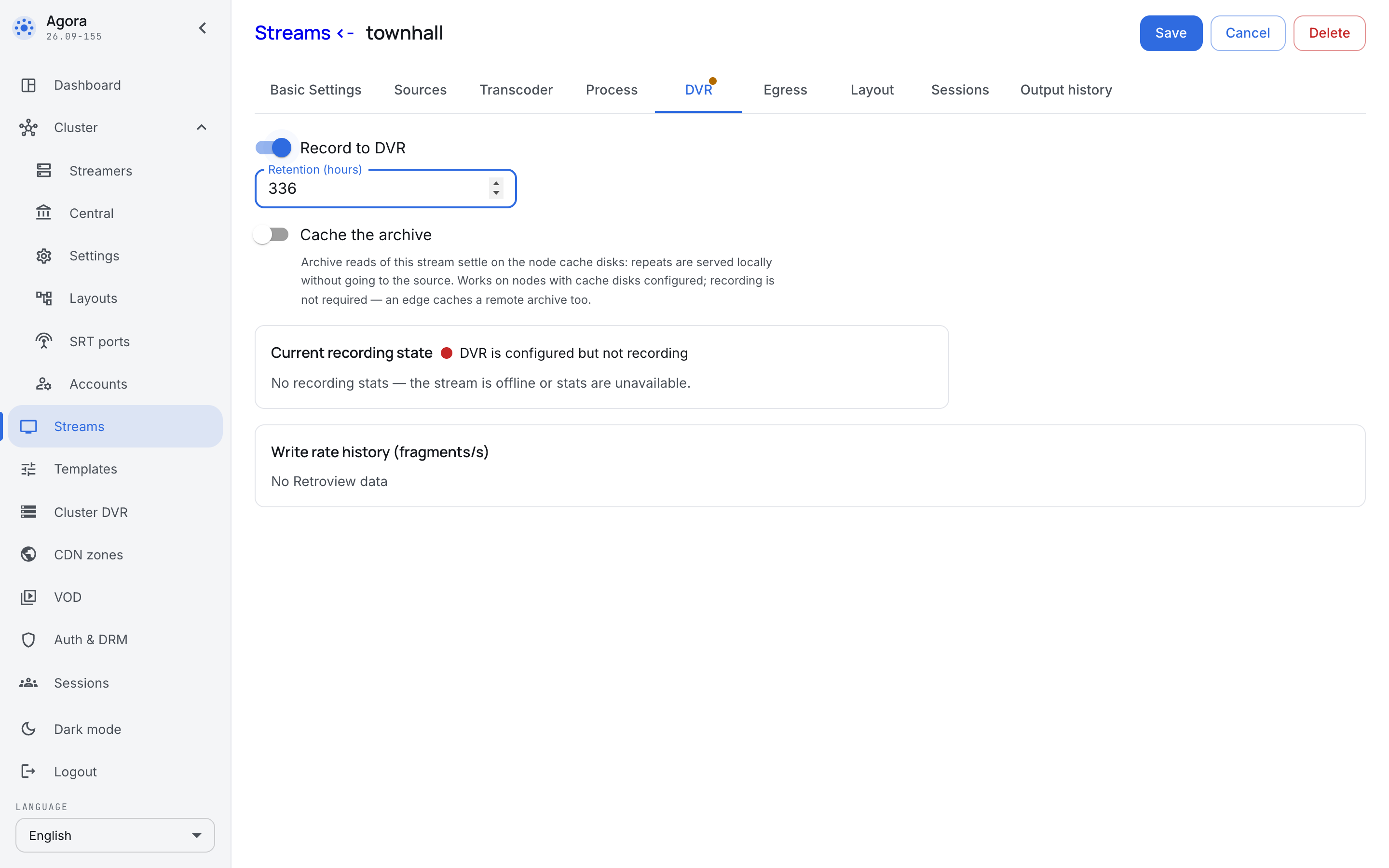
- Record to DVR — switches recording on. While the toggle is off, the broadcast runs but is not kept.
- Maximum depth — how long to keep it, in hours. The old is displaced by the new: the archive does not grow forever, it holds a window of the length you set.
- Cache the archive — archive reads of this broadcast settle on the server's cache disks, and repeat reads are served from there rather than from the server the recording lives on. Recording does not have to be on for that: a delivery server caches somebody else's archive too.
Depth is best set not on the broadcast itself but in its template: "meetings are kept for two weeks, training for a year" is a rule about a kind of broadcast, not about one meeting.
The cache, and why it is separate from recording
Recording and caching are different things and should not be confused. Recording answers "are we keeping the broadcast". The cache answers "where is it read from".
The difference shows on a large meeting: the recording sits on one server while every office watches it. Without the cache each viewer pulls the data from that one server across the inter-office link. With the cache the first viewer at an office pulls the recording to their site, and everyone else reads it locally.
The archive across the cluster
The Cluster DVR section answers the questions that cannot be asked of one broadcast: how much is occupied on each server, what is being written right now, and whether the disks are healthy.
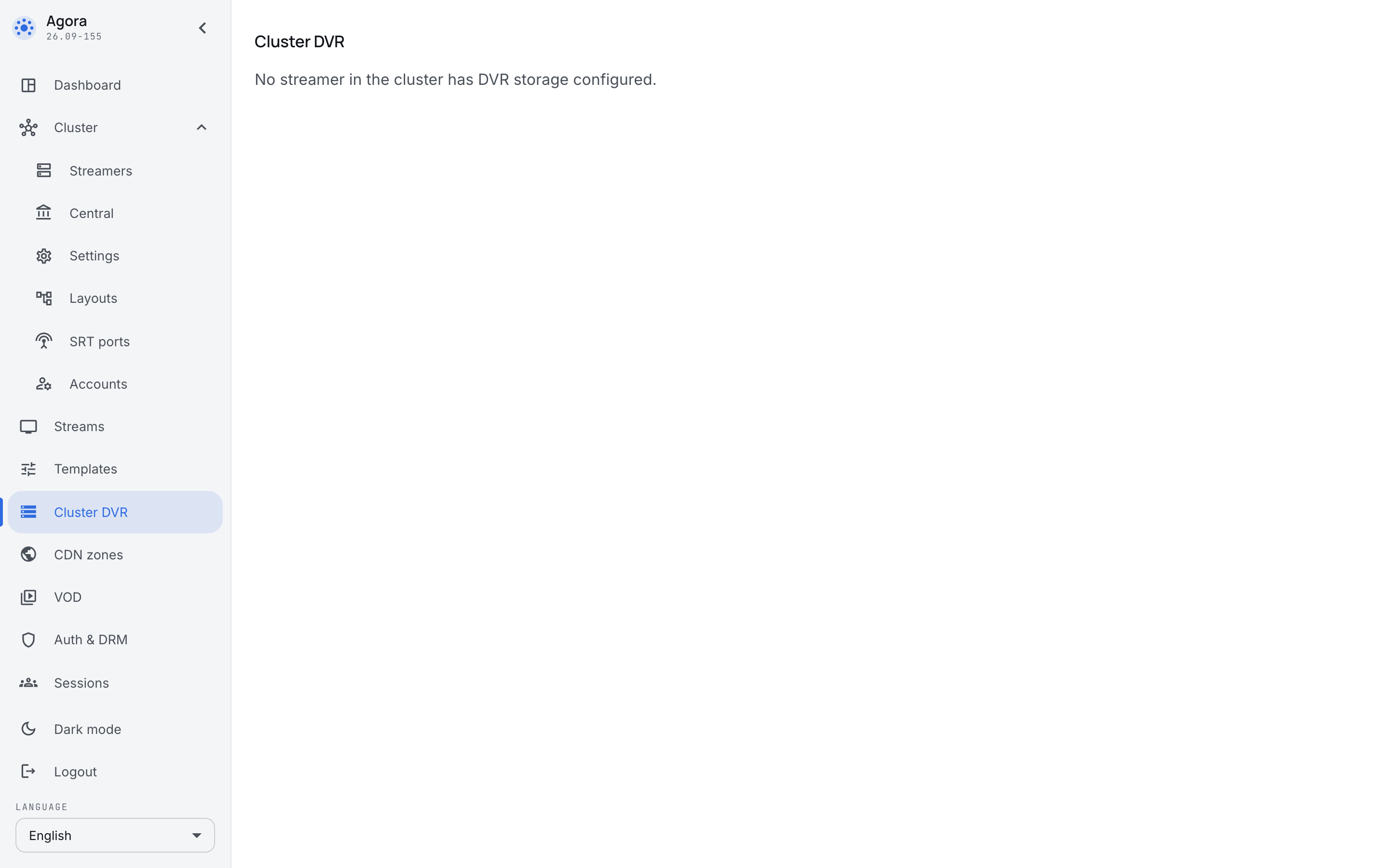
People come here with two usual questions:
- "Is there enough space" — how much is occupied and how fast it grows.
- "Why did the recording stop" — whether the server is writing and whether a disk has failed. A recording that disappeared is almost always explained here rather than on the broadcast's card.